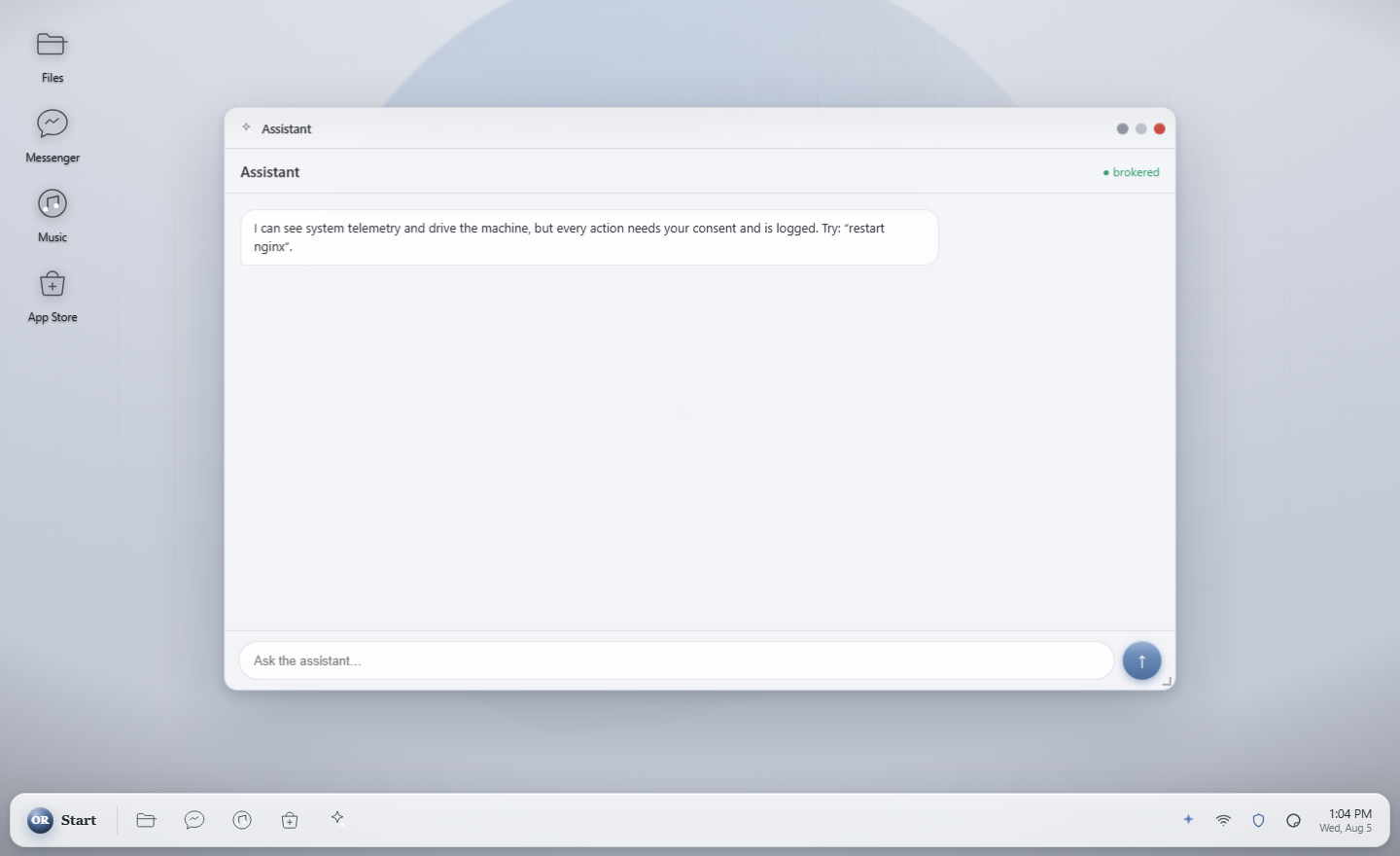
The system's own files are sealed and read-only, so nothing on the computer can change them. Ora, the built-in assistant, cannot change anything without your say-so: she has to ask a separate guard, and the guard asks you. Her model runs on your own computer, so your chats go to no company unless you connect one.
One file, orynr-live.iso, about 4 GB. Write it to a USB stick and
start the computer from it to look around. Landing soon.
Why Orynr exists
Most “AI PCs” bolt a chatbot onto an old stack and send your life to somebody else's servers. Most hardened systems ask you to give up everything that makes a computer pleasant to use. We didn't want to accept either trade, so we built Orynr.
Ora's model runs on this computer. What you ask her goes to no company unless you connect one yourself, and no AI server address is built into Orynr. Every decision the guard makes, allowed or refused, is written down where you can read it.
The system's own files cannot be written to, by you, by a program or by malware. Underneath sits a kernel we harden and compile ourselves, with SELinux always on, and a desktop that never runs as the computer's administrator.
The assistant does real work on the machine. She also cannot take a single privileged action until a separate guard asks you first, and she has no way to answer that question herself. That is how it is built, not a promise we are asking you to trust.
Have a look around
Each of these has a page of its own, written to be read rather than skimmed.
Ora
Ora reads files, runs checks, changes settings and works out what is wrong. She cannot do any of it by herself. Every change goes to a separate guard she cannot talk to, argue with or switch off, and the guard asks you. She runs against a model on your own hardware.
Security
Sealed system files checked as they are read, a kernel built from source, SELinux always enforcing, files judged by what is in them rather than what they are called, apps kept in their own boxes, and updates signed with post-quantum cryptography.
Technology
Mainline Linux LTS with the hardened patch set and our own configuration, compiled with Clang's link-time optimisation and control-flow integrity. A sealed base with your files kept separate. A desktop written in Rust for this operating system.
Switching
A compatibility layer for Windows applications with no virtual machine and no second licence. Each Windows program runs in a cage with no home folder and its own settings. Joining a Windows work network is built and is asked for on the sign-in screen, and we are clear about what will never work.
What is in place
Everything on this page carries a label. Ready means it is in Orynr today and we have watched it work on a test machine. Coming soon means it is written and being tested, and we will not call it more than that until we have seen it work. Nothing has yet run on a real computer rather than a test machine, and there has been no independent audit.
The operating system's own files are read-only. A program, malware or a mistake trying to write to them simply fails. Every piece of the system is checked as it is read, so a disk edited on another computer should refuse to start.
Every program is held to what its policy allows, even one running as the computer's administrator. It is set to enforcing in every Orynr image, and there is no switch to turn it off. The test machines recorded no denials.
Your desktop runs as you, and so does every program it starts. None of them carries special rights. No image is published at all unless it passes a boot check, and that check fails any image whose desktop runs as the administrator.
Every change she wants goes to a guard she cannot talk to, argue with or switch off. Her code runs in a cage of its own: no special rights, no network, writing only in her own workspace, and stopped after five minutes. Saving her work into your folders asks first and never replaces a file of yours.
Password files, the machine's private keys, SSH keys and saved browser passwords are refused to Ora, including through a link that points at them. Some things are refused whoever asks: boot files, sudo, SELinux policy, the record of what was allowed, startup services and scheduled jobs.
Files are checked as they are opened, in your home folders too, and a known-bad file is refused rather than opened. The scanner itself holds no special rights and reads only the file it is handed. Signatures are kept current.
Ctrl+Alt+Del and Ctrl+Shift+Esc work even when the desktop is stuck, as they do on Windows. The taskbar never covers a permission question, even when the taskbar itself restarts. If the desktop crashes it starts again by itself and leaves a record of why.
Picture thumbnails are made in a locked-down throwaway process, never by the desktop that holds your session and your keyboard. That process cannot open files, reach the network, start programs or make memory it can run. The thumbnail store cannot be opened by people or their programs, and its file names never contain yours.
Orynr works out what a file is from what is inside it, not from its name. A program is never
“opened” as a document, and invoice.pdf that is really a program is refused. Double
extensions, the right-to-left name trick and documents carrying macros are flagged.
System updates are signed with ML-DSA (FIPS 204), the post-quantum standard. A forged signature, one changed byte, or an older version put back in place is refused. Applying an update on your computer is the part still being built, so today a new version means writing a new image.
We do not say Orynr is unhackable, certified or the safest operating system, and we do not compare it to Windows or macOS. No independent audit has been done. When one has, we will say who did it and what they found.
Signing in Coming soon
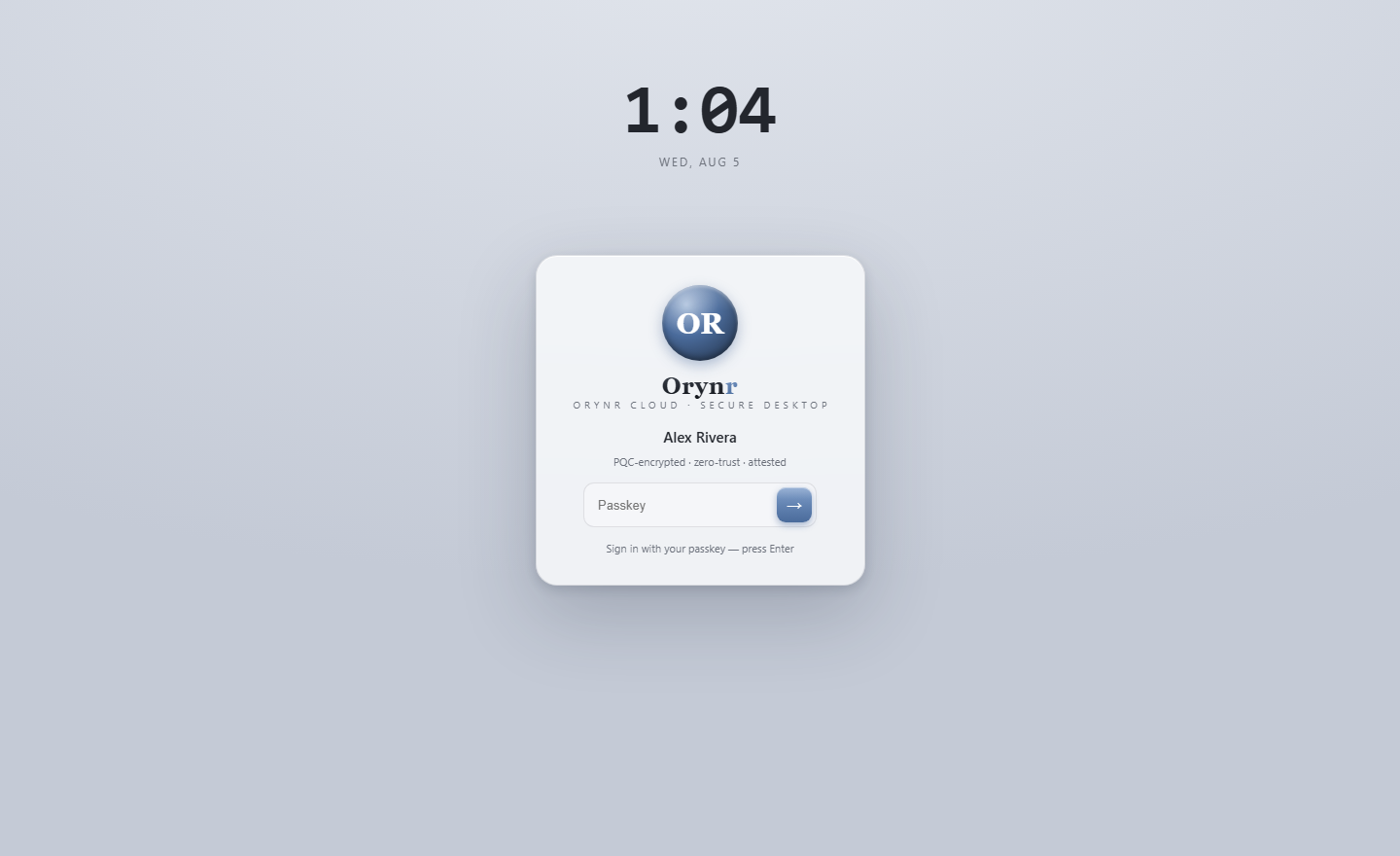
A home computer signs you in with a PIN, the way Windows does. A password is asked for as well only where a work network needs one, and you can add one yourself if you want a second way back in.
Six to twelve digits. Simple ones such as 111111 are refused. After five wrong PINs in a row you wait a minute, in which not even the right PIN is taken, then you get three more tries. After that it is the recovery key, or your password if you have one.
Setup shows it once and does not finish until you tick “I have written it down”, and each new person sees their own when they choose their first PIN. It is never shown a second time. Five wrong keys stop further tries until the computer is restarted.
Where a reader is fitted and a finger is enrolled, the sign-in screen and the permission question will take it. The guard asks the reader itself, never a window on your screen. We have not yet tried this on a real reader.
As on Windows, a Standard account needs an Administrator for anything that changes the computer. Add and remove people in Settings, Accounts. Removing someone can keep their files in a store only the computer itself can open, or delete them.
Every permission question is asked on the sign-in screen's own screen, the way Windows uses a secure desktop. The computer moves the screen there for the question and back afterwards, and only ever back to the desktop of the person who asked.
Pressing any key on the lock screen just asks for the sign-in screen. There is no PIN, password or recovery key code in the lock screen program at all, and only the sign-in screen may send a PIN, so no program can lock you out by guessing.
Ora
Ora answers questions, and she can also use the computer. Everything on the way there is built so you can see it happening and end it with one key.
Working on your screen Coming soon
Press Let Ora do it and she can look at your screen and work the computer for you. While she does:
Only an Administrator can let her work this way. A Standard person's Ora looks and explains instead. It also needs a model that can look at pictures, which you download yourself; with a model that only reads text, Ora says so plainly and suggests one that fits your computer. None of this has run on a real computer yet, which is why it says Coming soon.
Record a job once, then have Ora repeat it.
Mail, and what Ora knows Coming soon
These checks find known tricks, not every trick. We will not tell you that phishing can never fool an assistant.
Ora can build a picture of your mail, your documents and your files so she can answer without you digging for things.
The model server opens no network port at all: it answers on a file only the model gate may open, and the gate asks the kernel who is calling. No AI server address is built into Orynr. Using a server of your own is a switch in Settings that is off until you turn it on and type where yours is, and nothing is filled in for you.
She runs as that person, on a file only they can open. One person's Ora cannot read or change another person's files, and a kept conversation never speeds up, or reveals, somebody else's. Where more than one person has an account, the kept-prompt shortcut is switched off entirely.
She answers questions, searches and reads the web, and reads and writes documents in that person's own Desktop, Documents, Downloads, Pictures, Music and Videos. She runs no commands and no code, changes nothing about the computer, and never reaches another person's files.
A document Ora reads is opened by a small program that can do nothing else: no files, no network, no other programs. Files built to eat memory, or with macros or links that fetch something, are refused or reported rather than run. Older .doc and .xls files are refused, with what to do instead.
A copy of each file is kept just before she changes it, so a change you allowed can be put back. Every decision, allowed or refused, is written to a record in which one edited line is detected.
Ora can never answer, fill in or approve a permission question. A request claiming “the owner already agreed” is not believed, and her requests are marked as hers, so anything only a person may do, such as setting a PIN or an account type, is refused outright.
Browsing and apps
Orynr has an everyday browser, and a second one built around Ora. The AI browser is written and being tested, and has not run on a real computer yet.
It lives in a network room of its own that cannot open addresses on this computer or on your home network. Ora never reads a password box or a card number, and bank and health pages are left alone unless you ask her, once, to read one.
Page text reaches the model wrapped and marked as a website's words, and text hidden on the page for an AI to find is taken out. Once Ora has read a page, that conversation cannot open your files and asks you before any change at all. This reduces the risk. It does not remove it, and we will not pretend otherwise.
Only words you type start a search. No hidden or background tab is ever made for one, the tabs she opens to read results are visible and close when she has finished, and a “prove you are a person” check is left to you.
Every line of her answer links to the part of the page that says it, and a line the page does not support is left out before you see it. Numbers, dates and amounts have to be on the page exactly. It checks her against the page, not against the truth.
It shows you signals: who the page claims to run it, when it says it last changed, how old the site is, odd things in the address, look-alike letters from another alphabet. It never says a site is safe and never says a site is a scam. That judgement stays yours.
On a page taking a payment it points out a countdown that started again, charges added on, a total that went up, boxes already ticked, and a free trial that turns into a charge. It never blocks a payment, never unticks anything for you and never reads a card number.
Remembered pages, research trails and what it learns from your clicks are kept in your own store on this computer, never for bank or health sites. Forget everything in Settings lists what it holds, with sizes, before anything is deleted.
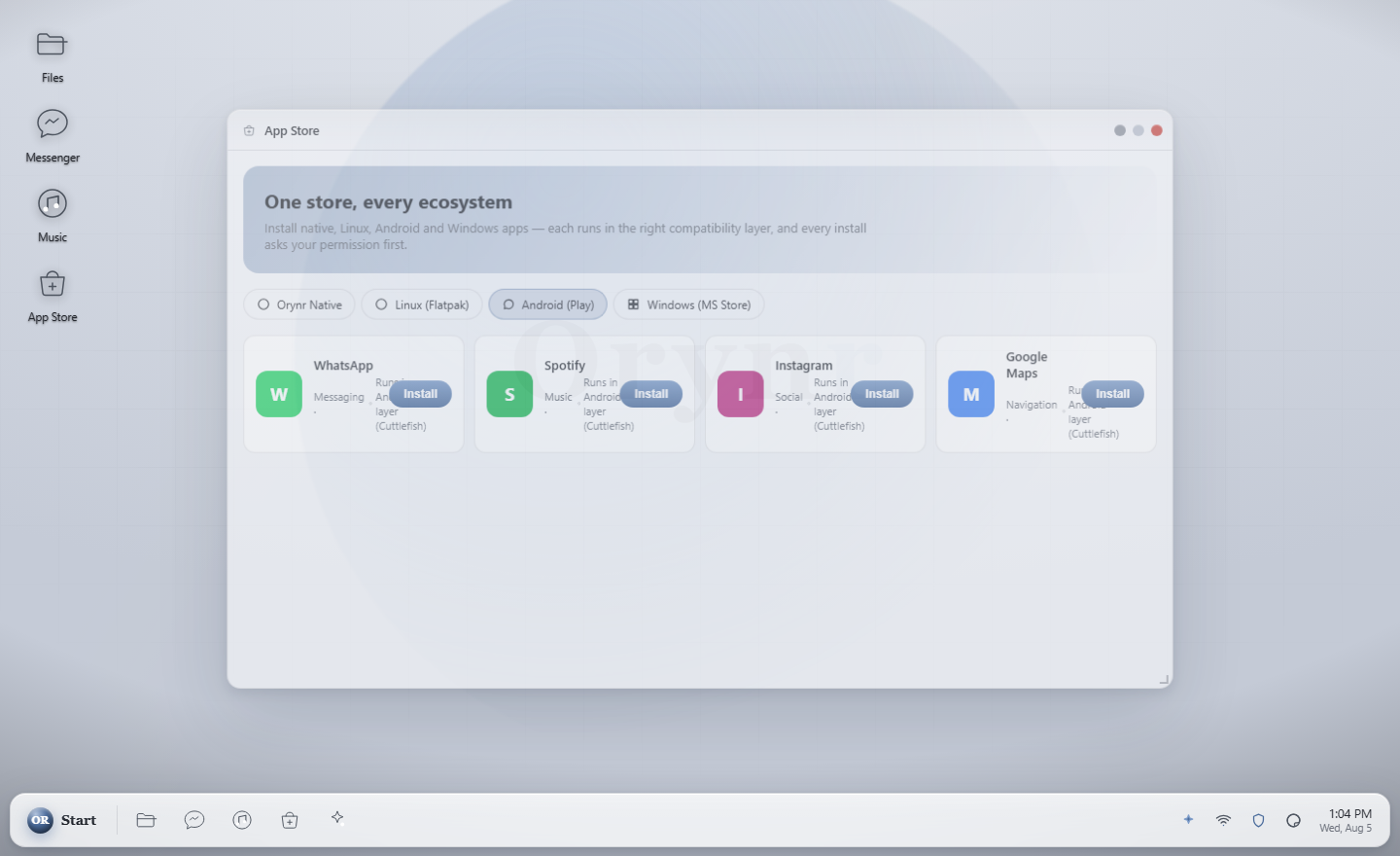
Apps run in a sandbox, and the store shows what each one can reach before you install it. An app that wants wide access is always asked about, even where quiet installs are allowed. The store sends no account, no machine identifier and no list of your apps.
Start opens Outlook, Word, Excel, PowerPoint and Teams on the web, and Gmail, Google Docs, Sheets, Slides, Drive and Calendar, each in a window of its own with a fixed address and its own profile, kept apart from your everyday browsing. Orynr has no connection to either company's services: these are their own web pages, and you sign in to them yourself.
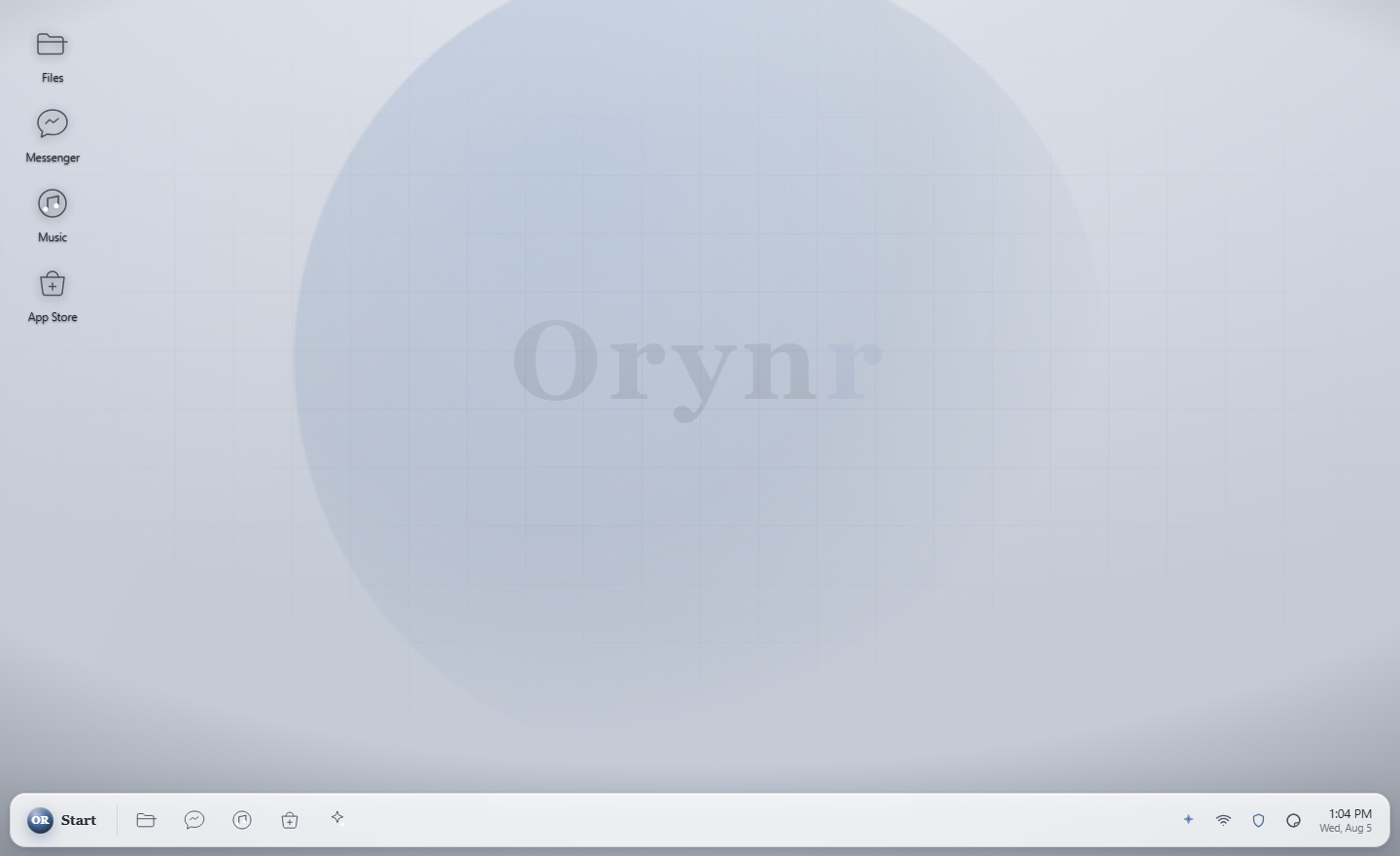
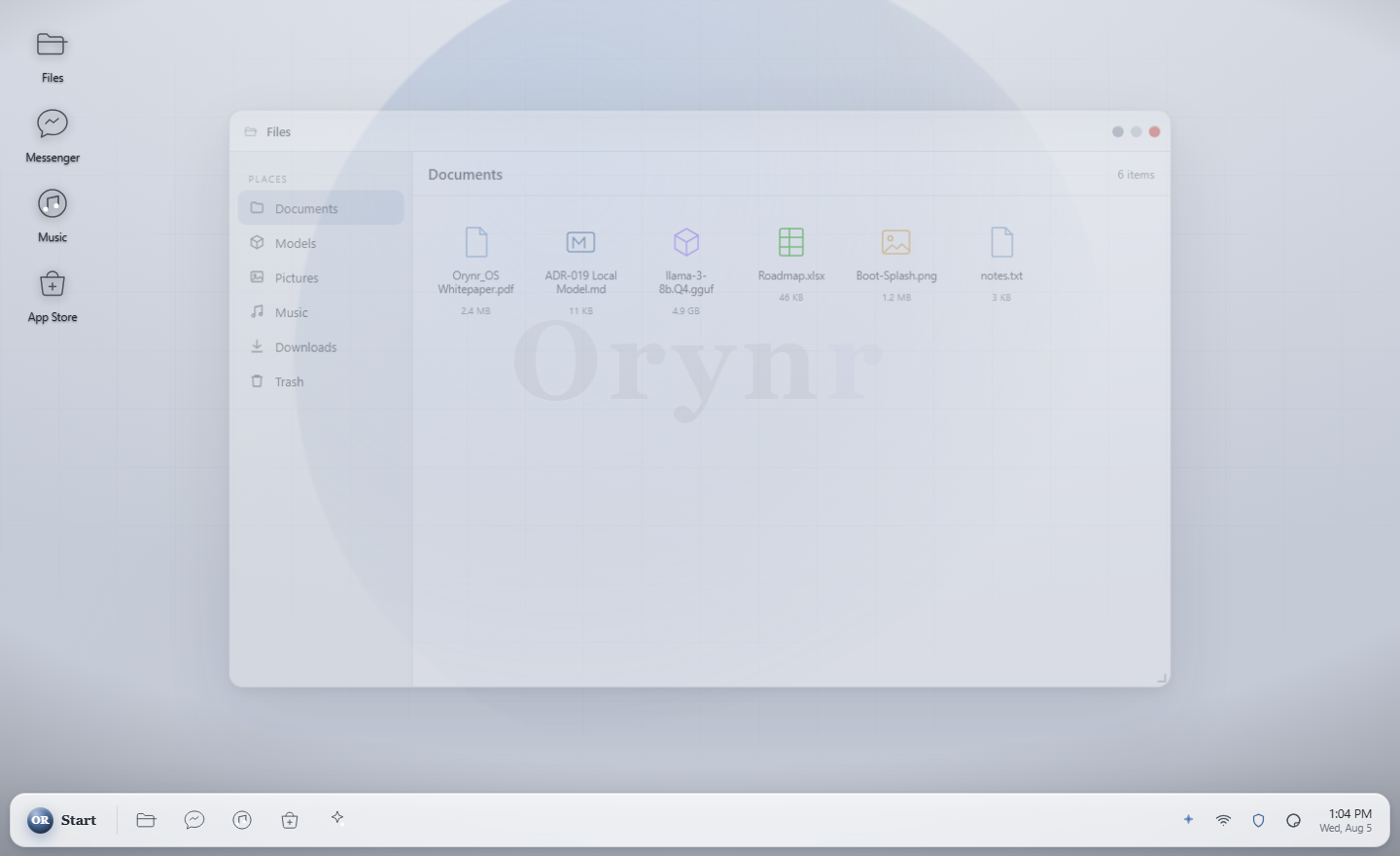
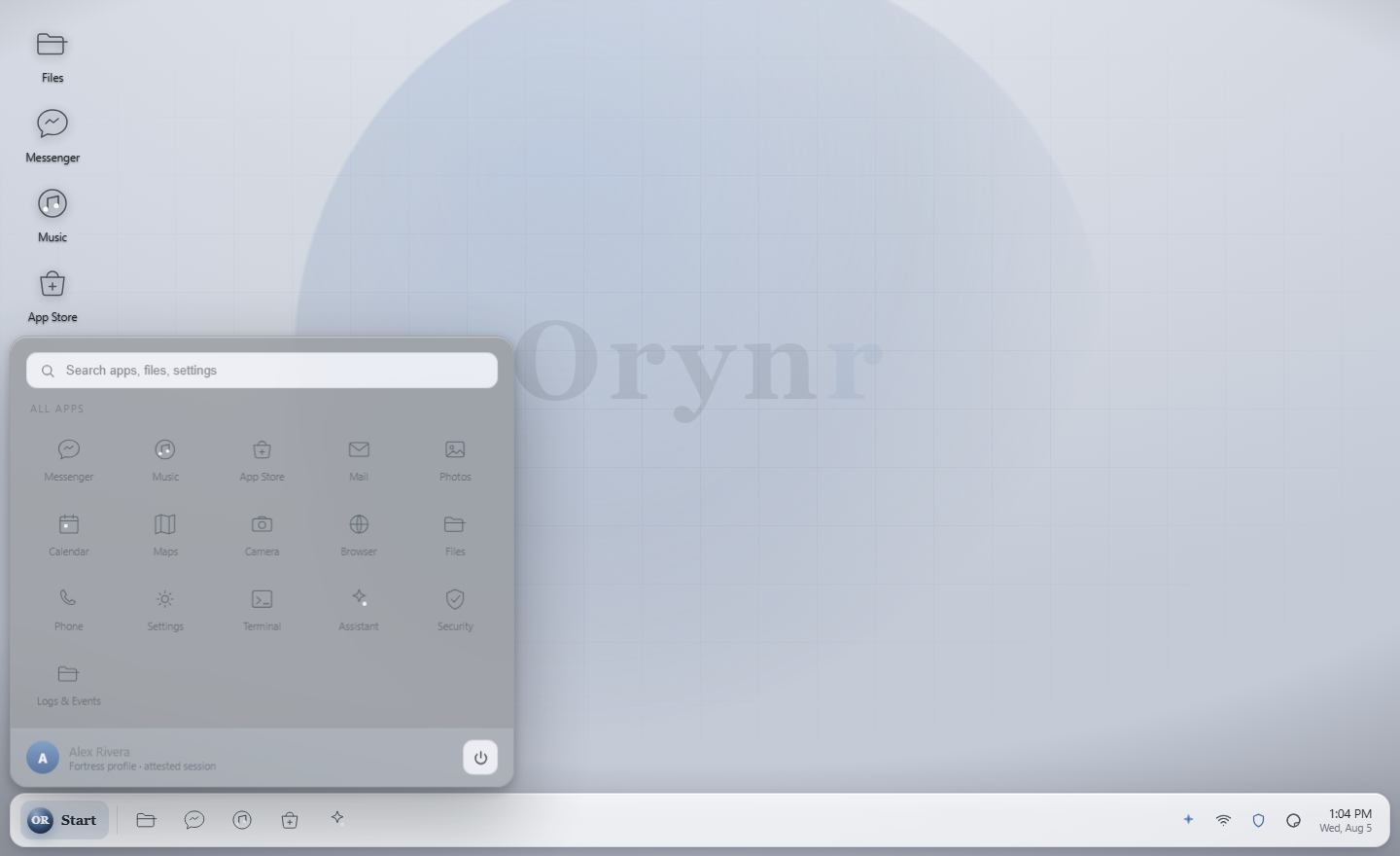
The desktop
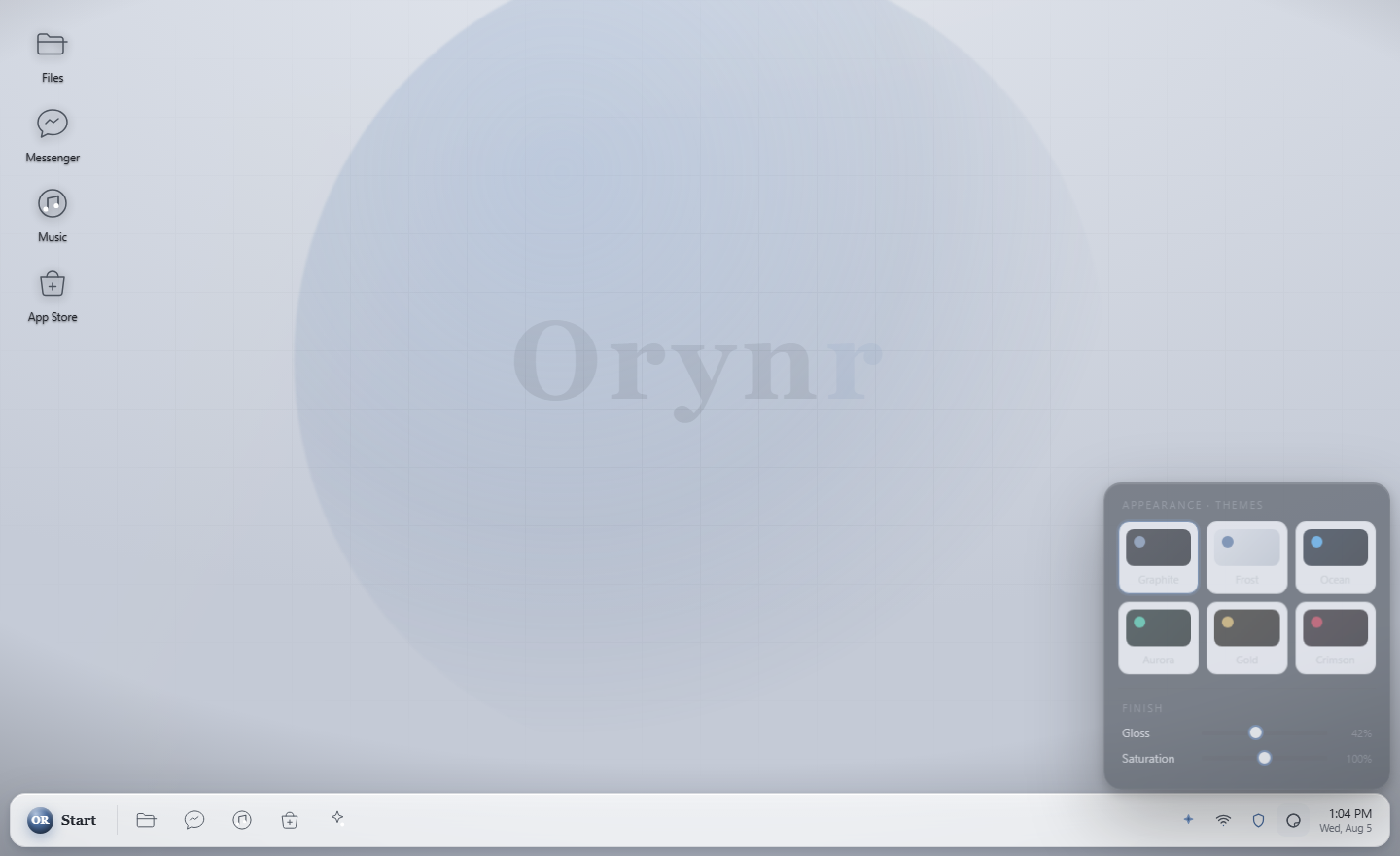
Seven themes, a clean light one by default, and a shell written from scratch for this OS.


These pictures are from test machines during development. Screens change as the work goes on.
Write orynr-live.iso, about 4 GB, to a USB stick and start your computer from it.
Look around, poke at things and change your mind, without installing anything.
Orynr_OS is in active development. Every feature on this site carries a label, Ready or Coming soon, so you always know what is real today. Questions: info@orynr.com.